WV Lawyer Help

We help WV attorneys grow their caseload through smarter marketing, better tracking, and qualified client referrals.

Author: Admin

  • The 5 Metrics Every Law Firm Must Track to Grow Clients

    Law Firm Marketing Metrics: The 5 KPIs That Actually Grow Your Practice

    Introduction

    Most law firms struggle to grow not because they lack good lawyers — but because they’re flying blind on their marketing data. Even firms using CRMs like Clio, Lawmatics, or HubSpot often have the data — they just don’t know which numbers to focus on.

    In this guide, we break down the five essential law firm marketing metrics every attorney should track: cost per lead, lead conversion rate, speed to lead, cost per client, and lead source ROI.

    Whether you’re running Google Ads, investing in SEO, or relying on referrals, understanding these legal marketing KPIs is the difference between scaling intelligently and burning your budget.


    Cost Per Lead (CPL)

    What it is: How much you spend to generate a single lead.

    Formula: CPL = Total Marketing Spend ÷ Number of Leads

    Example:

    • $3,000 Google Ads
    • 100 leads
      • CPL = $30

    Why it matters:

    If you don’t know this, you can’t:

    • Compare channels (Google vs referrals vs SEO)
    • Control spending
    • Scale intelligently

    The mistake firms make:

    They track spend, not efficiency

    • Spending $5,000 isn’t bad
    • Spending $5,000 for 10 bad leads is

    Lead Conversion Rate (Lead → Client)

    What it is:

    The % of leads that become paying clients.

    Formula:

    Conversion Rate = Clients ÷ Leads

    Example:

    • 100 leads
    • 20 clients
      • 20% conversion rate

    Why it matters:

    This is where money is made or lost.

    Two firms:

    • Firm A: 10% conversion
    • Firm B: 25% conversion

    Same leads. Completely different outcomes.

    What impacts it:

    • Speed to respond
    • Intake quality
    • Follow-up process
    • Trust signals

    • This is a systems problem, not a marketing problem

    Speed to Lead (Response Time)

    How fast you respond to a new lead.

    The attorney lead response time benchmark is clear: within 5 minutes is elite, 1 hour is decent, next day means you’re losing clients to competitors who picked up faster. Studies consistently show that the first firm to respond wins the case the majority of the time — and in a world where potential clients are submitting forms to multiple firms simultaneously, speed is a competitive advantage, not a courtesy.

    A strong law firm intake process doesn’t happen by accident. It requires systems: auto-text confirmations, CRM alerts, and dedicated intake staff coverage during peak inquiry hours. This single metric can double your revenue without spending another dollar on leads.
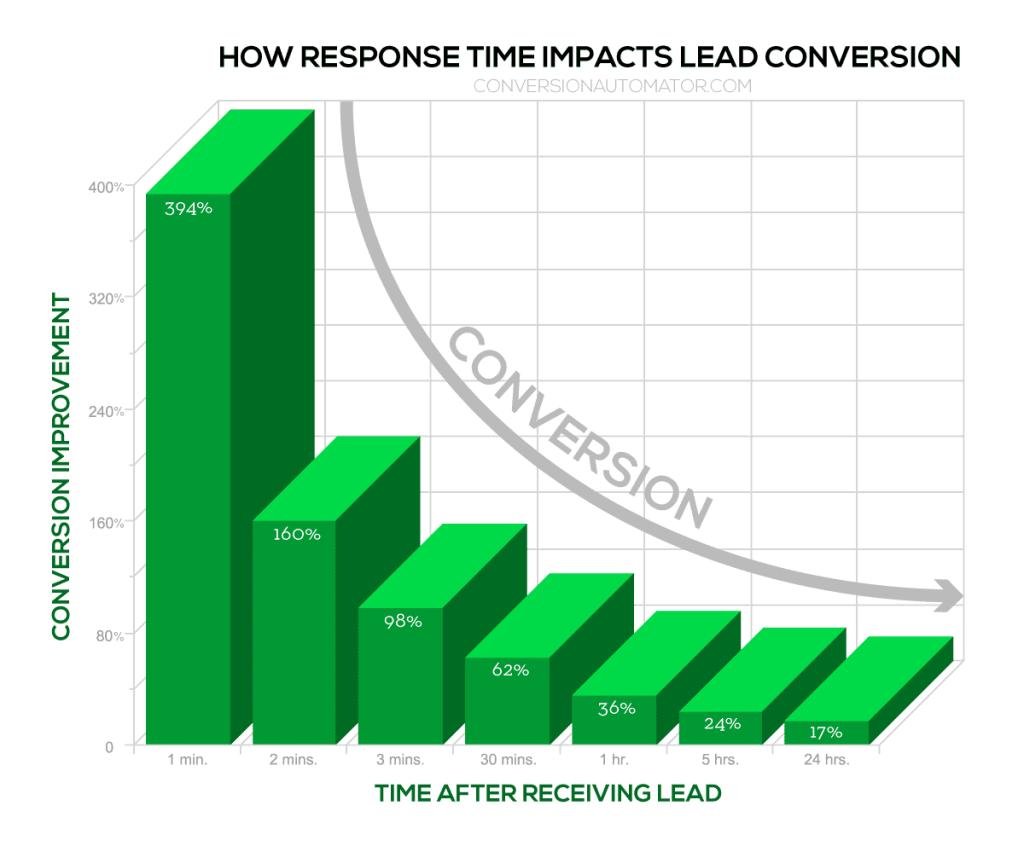
    What it is:

    How fast you respond to a new lead.

    Benchmark:

    • Within 5 minutes = elite
    • 1 hour = decent
    • Next day = losing clients

    Why it matters:

    The first firm to respond: Wins the case most of the time

    Reality:

    • Leads contact multiple firms
    • You’re competing in real time

    Fix:

    • Auto-text response
    • CRM notifications
    • Intake staff coverage
    • AI Voice Agents

    This single metric can double your revenue without more leads


    Cost Per Client (Case Acquisition Cost)

    What it is:

    How much it costs to acquire a paying client.

    Formula:

    Cost Per Client = Total Marketing Spend ÷ Number of Clients

    Example:

    • $3,000 spend
    • 20 clients
      • $150 per client

    Why it matters:

    This is the metric that actually connects to profit.

    You can have:

    • Cheap leads
    • But expensive clients

    The insight:

    If your average case value is $3,000:

    • Paying $150 = great
    • Paying $1,500 = dangerous

    This is where smart firms scale… and others burn money


    Lead Source ROI (What’s Actually Working)

    Which channels produce your best clients — not just your most leads.

    Tracking legal marketing ROI by source reveals something most firms miss: volume and quality are not the same thing. Google Ads might generate 80 leads a month while referrals bring in 15 — but if referrals close at 60% and Ads close at 8%, the math tells a very different story about where your budget should go. Without source-level tracking, you’ll keep funding the channel that looks productive while starving the one that actually is.

    For each channel — Google Ads, SEO, referrals, Avvo, social media — track leads generated, conversion rate, and revenue produced. That’s the only way to make allocation decisions based on profit, not assumption.
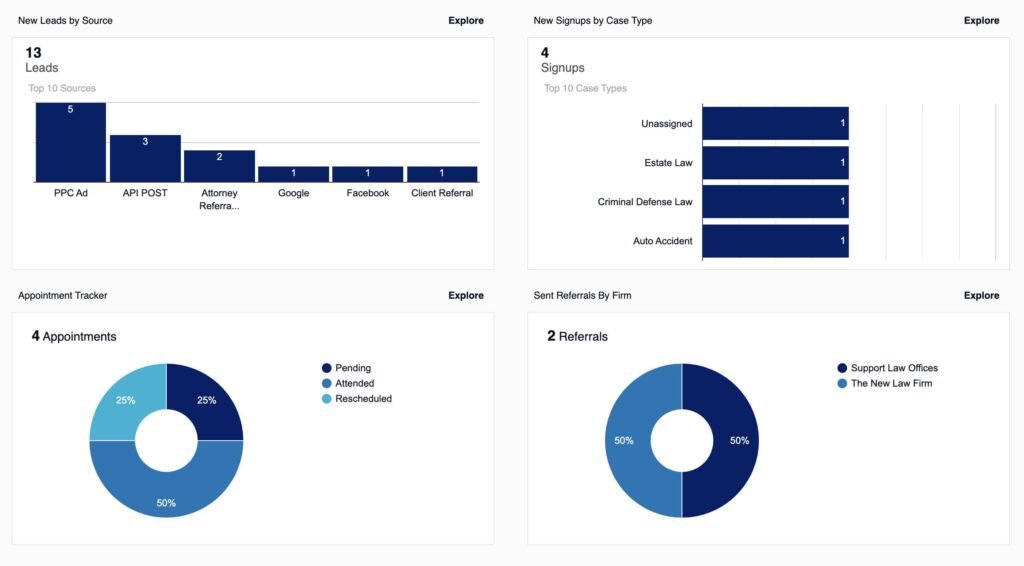
    What it is:

    Which channels produce the best clients.

    Examples:

    What to track:

    • Leads per source
    • Conversion rate per source
    • Revenue per source

    Why it matters:

    Not all leads are equal.

    Example:

    • Google Ads → lots of leads, low conversion
    • Referrals → fewer leads, high conversion

    Without this, you’ll invest in the wrong channels


    The Bigger Picture: These Metrics Work Together

    This isn’t about tracking numbers.

    It’s about understanding your pipeline:

    1. Traffic → Leads
    2. Leads → Clients
    3. Clients → Revenue

    If something breaks:
    One of these metrics tells you where


    What Most Law Firms Get Wrong

    They:

    • Track leads (vanity metric)
    • Ignore conversion
    • Ignore response time
    • Don’t connect spend to revenue

    That’s how firms “feel busy” but don’t grow


    The Simple System (You Can Implement This Week)

    You don’t need a complex setup.

    Start with:

    • A CRM (even basic)
    • Lead source field (required)
    • Intake tracking
    • Weekly review

    Track:

    • Leads
    • Clients
    • Source
    • Time to respond

    That’s it.


    Final Thought

    The firms that win aren’t always the best lawyers.

    They’re the ones who:

    • Respond faster
    • Track better
    • Improve consistently

    Everything else compounds from there.

    If you’re running ads and not tracking these metrics yet, you’re likely overpaying for clients. Email me at Jeff@WVLawyerhelp.com and I’ll take a look at what’s working — no cost, no pitch.
  • Backups & Disaster Recovery for Law Firms

    Backups & Disaster Recovery for Law Firms

    Many firms think they have backups because files are stored somewhere else. That is not enough. A real backup strategy is about recoverability, not optimism.

    Why backups matter

    Data can be lost through deletion, ransomware, device failure, account compromise, syncing mistakes, and vendor issues. If client files become unavailable, the legal problem becomes an operational problem almost immediately.

    What lawyers should do

    • Follow the 3-2-1 principle when practical: multiple copies, multiple media, and one offline or isolated copy.
    • Back up critical systems, not just documents.
    • Test recovery procedures periodically.
    • Know which data must be restored first.
    • Document who does what during an outage.

    The most important backup question is not “Do we have one?” It is “Can we recover quickly and confidently when something goes wrong?”

  • Best Fax Systems for Small Law Firms (2026)

    1. eFax — Best Overall

    https://www.voipdevops.com/efax/screenshots/efax-dashboard.png
    https://is1-ssl.mzstatic.com/image/thumb/Purple211/v4/ac/c6/51/acc65153-84c3-bfd0-2147-05eaac8b2dfc/AppIcon-0-0-1x_U007epad-0-1-85-220.png/1200x630wa.png
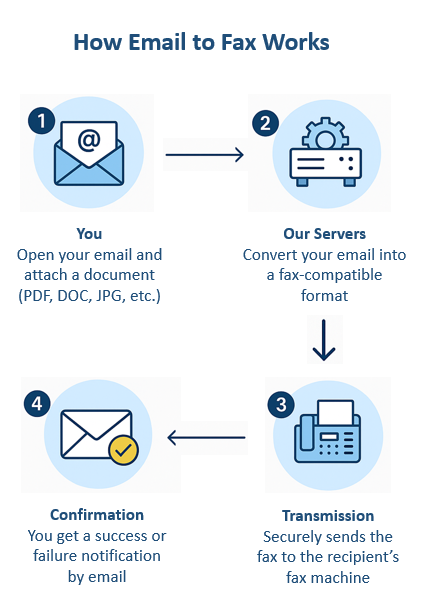
    https://www.innoport.com/siteImages/How_Email_to_Fax_Works.png

    4

    Why it wins:

    • Dedicated fax number (you can often pick a local 610 area code)
    • Send/receive via email, web, or mobile
    • Strong reliability + brand trust
    • Electronic signatures included

    Best for:

    • Solo attorneys or small firms that want a simple, proven solution

    Watch out:

    • Pricing is higher than competitors
    • Limited automation

    2. RingCentral Fax — Best for All-in-One Communication

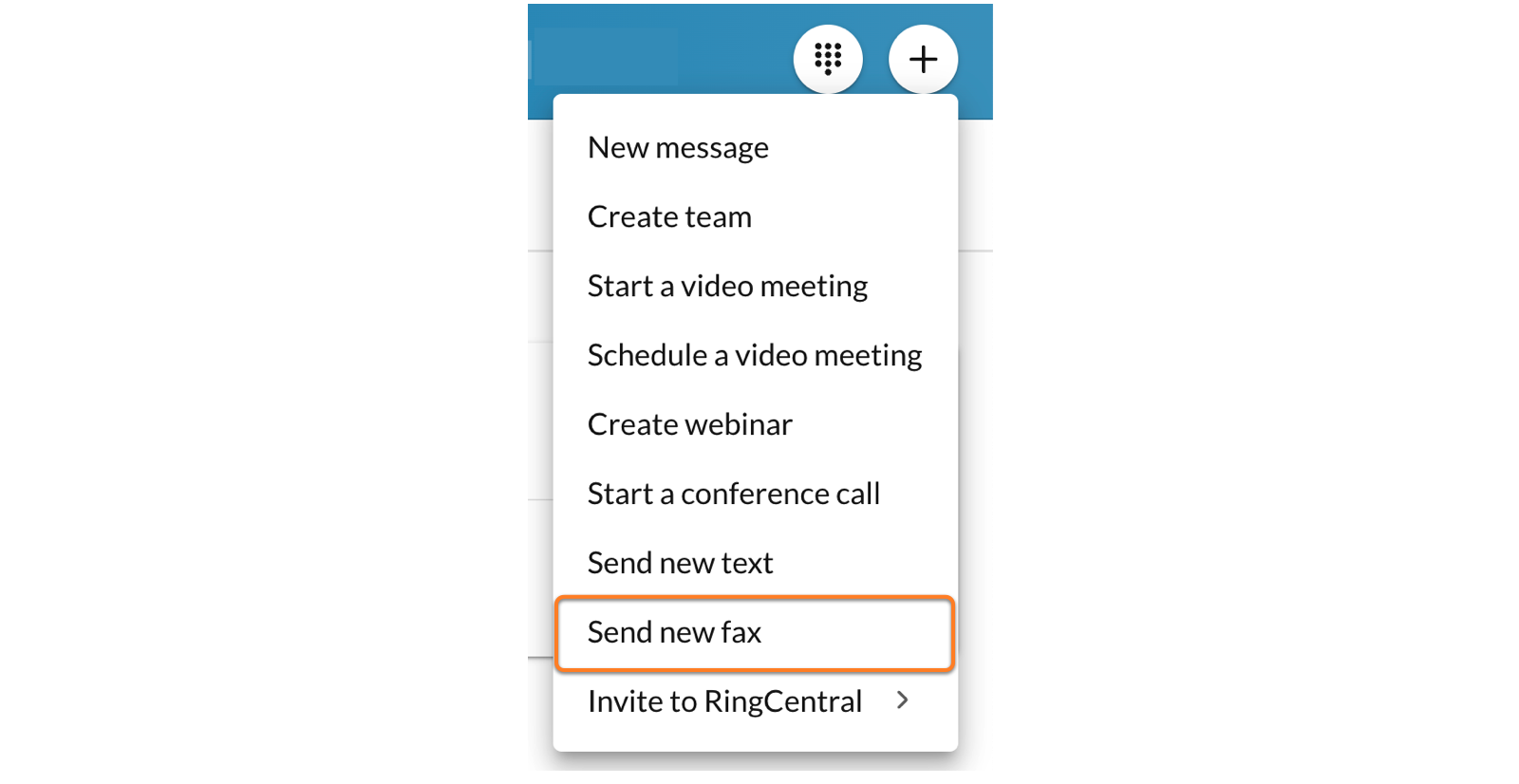
    https://assets.ringcentral.com/content/dam/xml-assets/doc_team/en_us/ringcentral/mvp/fax/Sending-a-fax/images/DWSendFax1.png
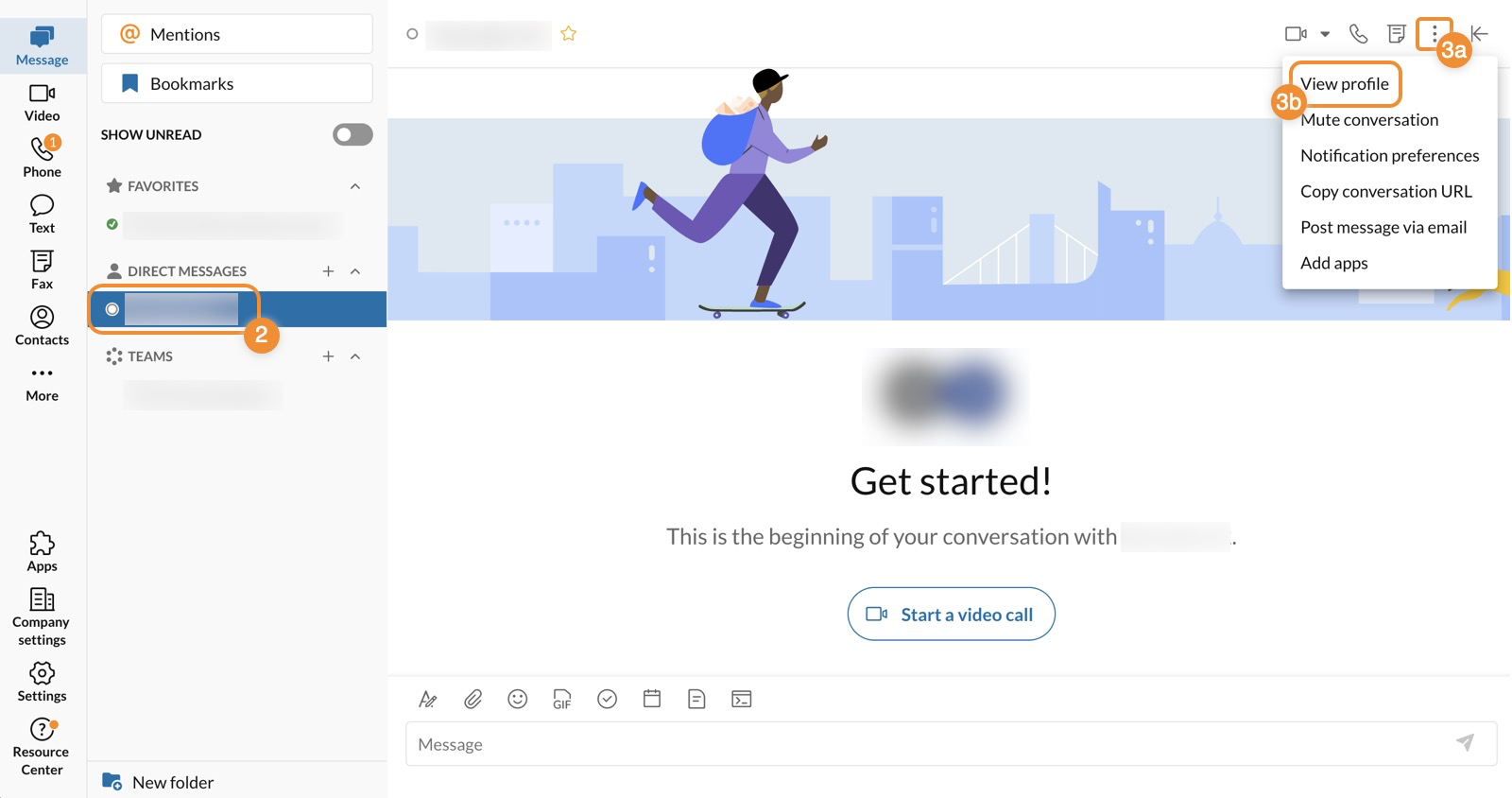
    https://assets.ringcentral.com/content/dam/xml-assets/doc_team/en_us/ringcentral/mvp/fax/Sending-a-fax/images/FaxProfileDesktop1.png
    https://www.ringcentral.com/content/dam/rc-www/en_us/images/content/seo/unified-communications-analytics/ringcentral-analytics-dashboard-jpg-rendition.webp

    4

    Why it stands out:

    • Combines fax + phone + SMS + video
    • Great if you’re building a modern law firm communication stack
    • Integrates with workflows and apps

    Best for:

    • Firms that want one system instead of 5 tools

    Strategic angle:
    This fits your “document intelligence + workflow” direction—fax becomes just another data input.


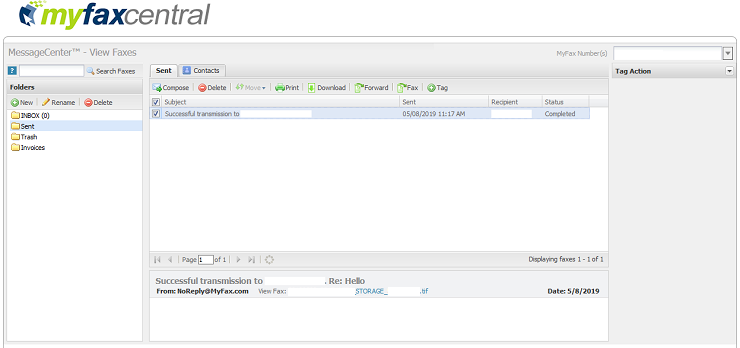
    3. MyFax — Best Budget Option

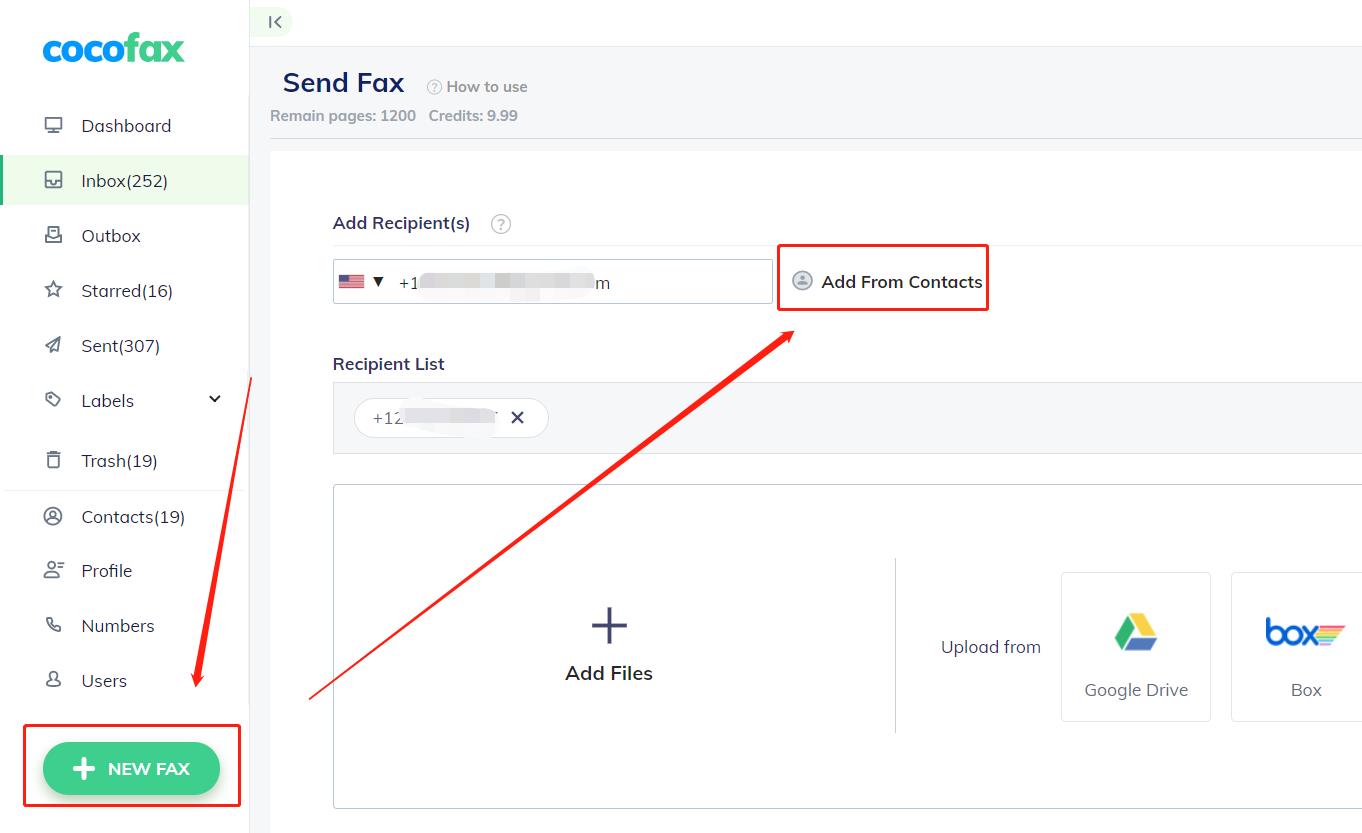
    https://cocofax.com/images/help/send_groups_1.jpg
    https://help.pointforce.com/fx/images/myfax_eg1.gif
    https://gdm-catalog-fmapi-prod.imgix.net/ProductScreenshot/ef2d2580-cb42-4e1c-9370-e511d4fe685d.png

    4

    Why it works:

    • Lower cost than eFax
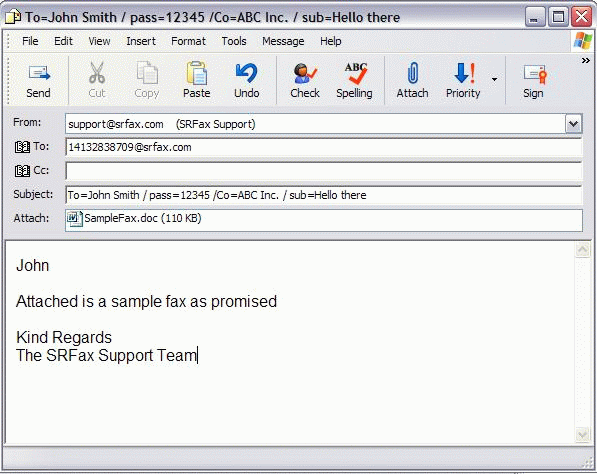
    • Easy email-to-fax setup
    • No hardware required

    Best for:

    • Cost-conscious solo firms

    Limitation:

    • Not as robust for scaling or integrations

    4. SRFax — Best for HIPAA Compliance

    https://www.srfax.com/images/Email2.gif
    https://onefaxnow.com/_next/image?q=75&url=%2Fimages%2Fonefaxnow-hipaa-audit-dashboard-baa.png&w=1920
    https://s3.amazonaws.com/cdn.freshdesk.com/data/helpdesk/attachments/production/1106643599/original/gsZoHSNtKsWL0JPTtQR_kAc84eUTYIsgbg.png?1626371664=

    4

    Why it matters:

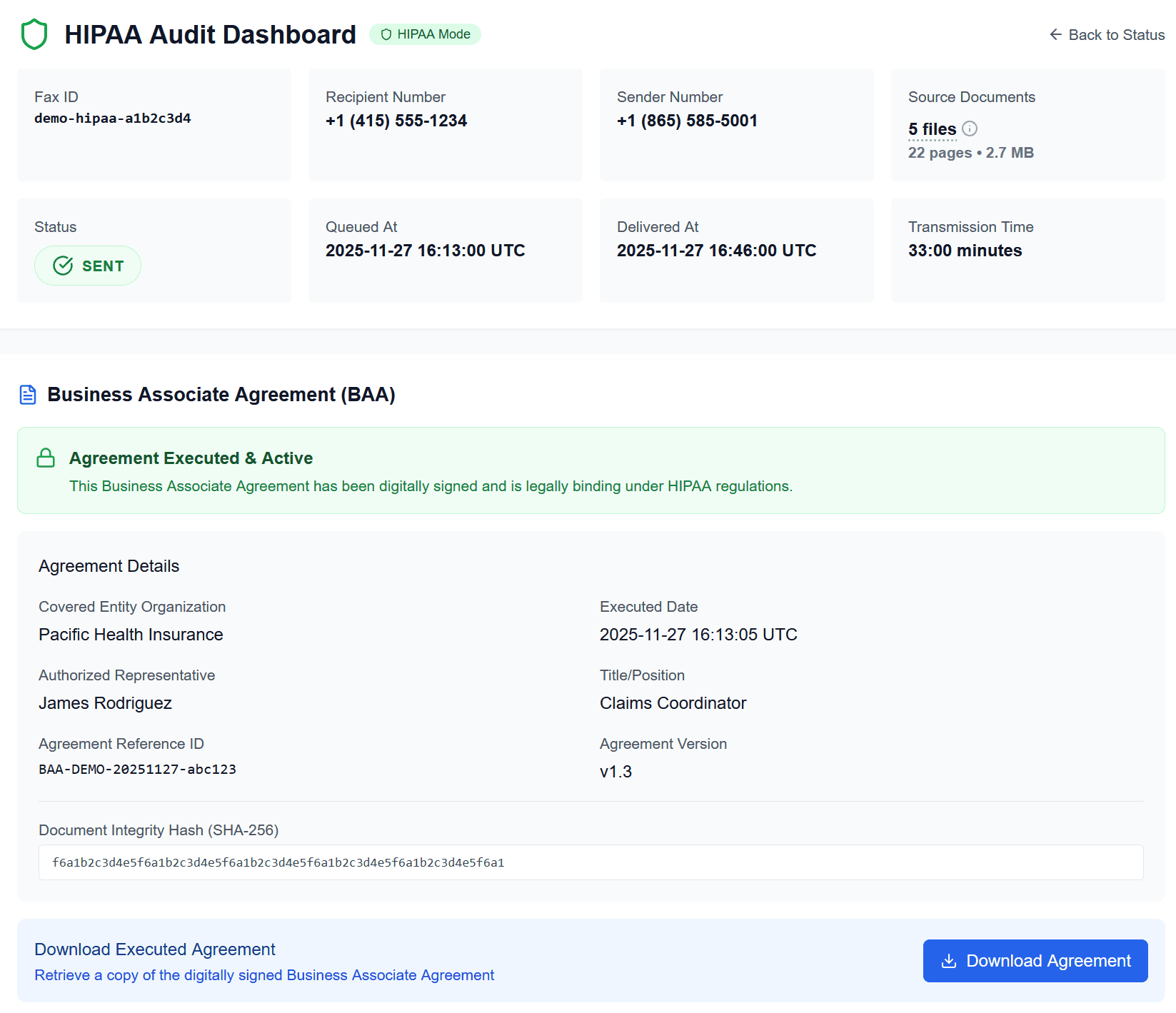
    • Built for healthcare + legal compliance
    • End-to-end encryption
    • BAA (Business Associate Agreement) available

    Best for:

    • Personal injury, medical records-heavy firms

    5. Fax.Plus — Best Modern UX + API

    https://gdm-catalog-fmapi-prod.imgix.net/ProductScreenshot/f4955d2f-d4a1-4361-b348-03c770f52fb5.jpeg?auto=format&q=50
    https://help.alohi.com/hc/article_attachments/15644679415196
    https://mintcdn.com/alohi-faxplus/cC0DzEP8P19x5X1k/resources/concepts/fax.svg?auto=format&fit=max&n=cC0DzEP8P19x5X1k&q=85&s=419a11e049837f4a645ba4baef5bf3dc

    4

    Why it’s interesting:

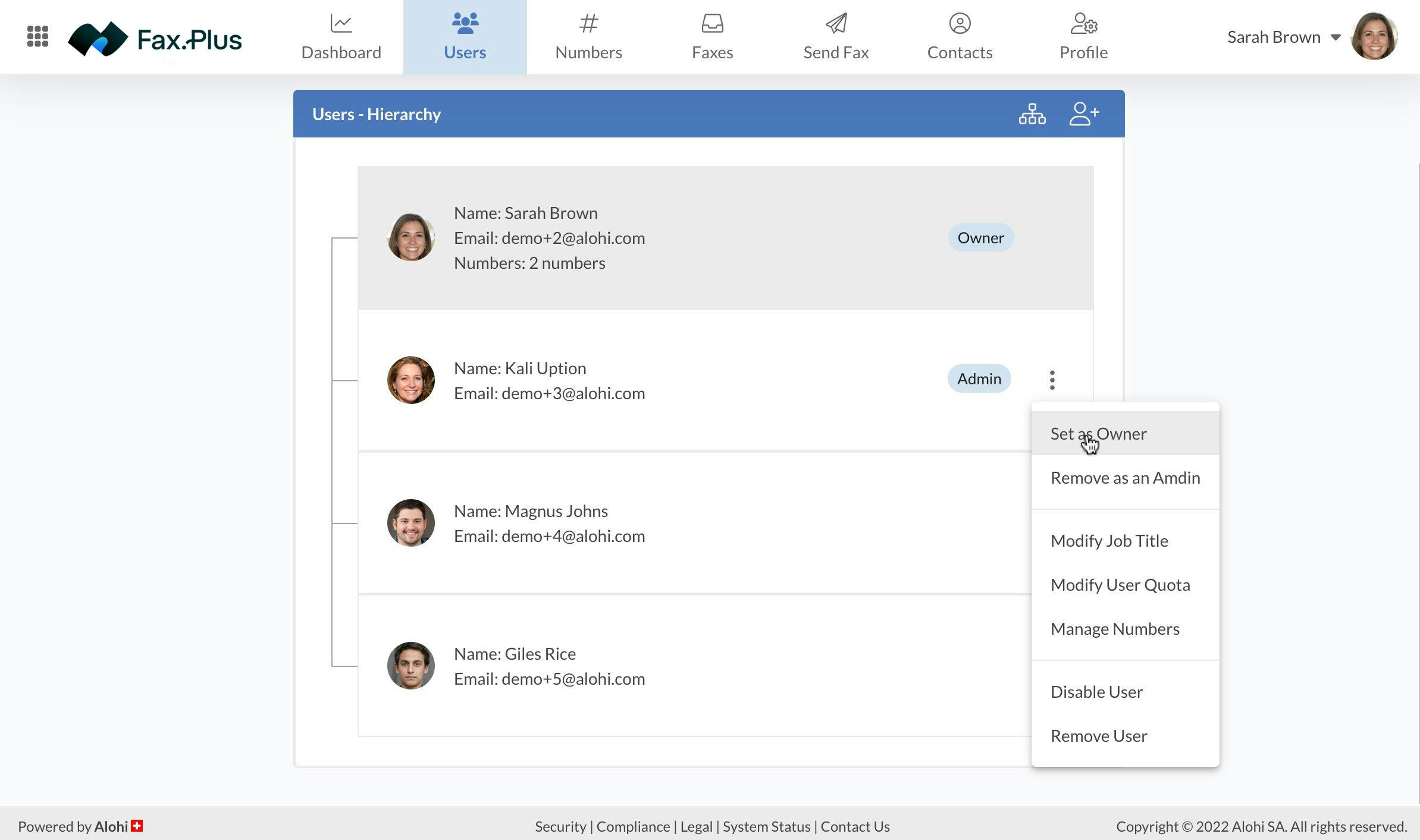
    • Clean interface
    • Integrates with Google Drive, Slack, Zapier
    • Has API access

    Best for:

    • Firms thinking ahead about automation + AI workflows
  • Document Security & E-Discovery Readiness

    Document Security & E-Discovery Readiness

    Law firms do not merely store documents. They manage records that may later become evidence, discovery material, audit material, or the basis for a dispute. Good document security is about confidentiality today and defensibility tomorrow.

    Why document controls matter

    Documents often contain metadata, revision history, comments, hidden text, or embedded information that users forget exists. Poor redaction and careless sharing can expose more than the visible page suggests.

    What firms should do

    • Use clear file naming conventions.
    • Store final and working versions intentionally.
    • Use proper redaction tools, not visual cover-ups.
    • Control who can access, edit, and export documents.
    • Plan for searchability, retention, and future review.

    A secure document system should help a firm answer three questions: who touched this, where is it, and what version are we looking at?

  • How to Password-Protect a PDF on Mac

    Use Preview on Mac to quickly encrypt and secure your PDF files.