WV Lawyer Help

We help WV attorneys grow their caseload through smarter marketing, better tracking, and qualified client referrals.

Category: Solo Law Practice

Practical guides for solo lawyers on technology, operations, billing, client intake, cybersecurity, and running a sustainable solo law practice.

  • Best Fax Systems for Small Law Firms (2026)

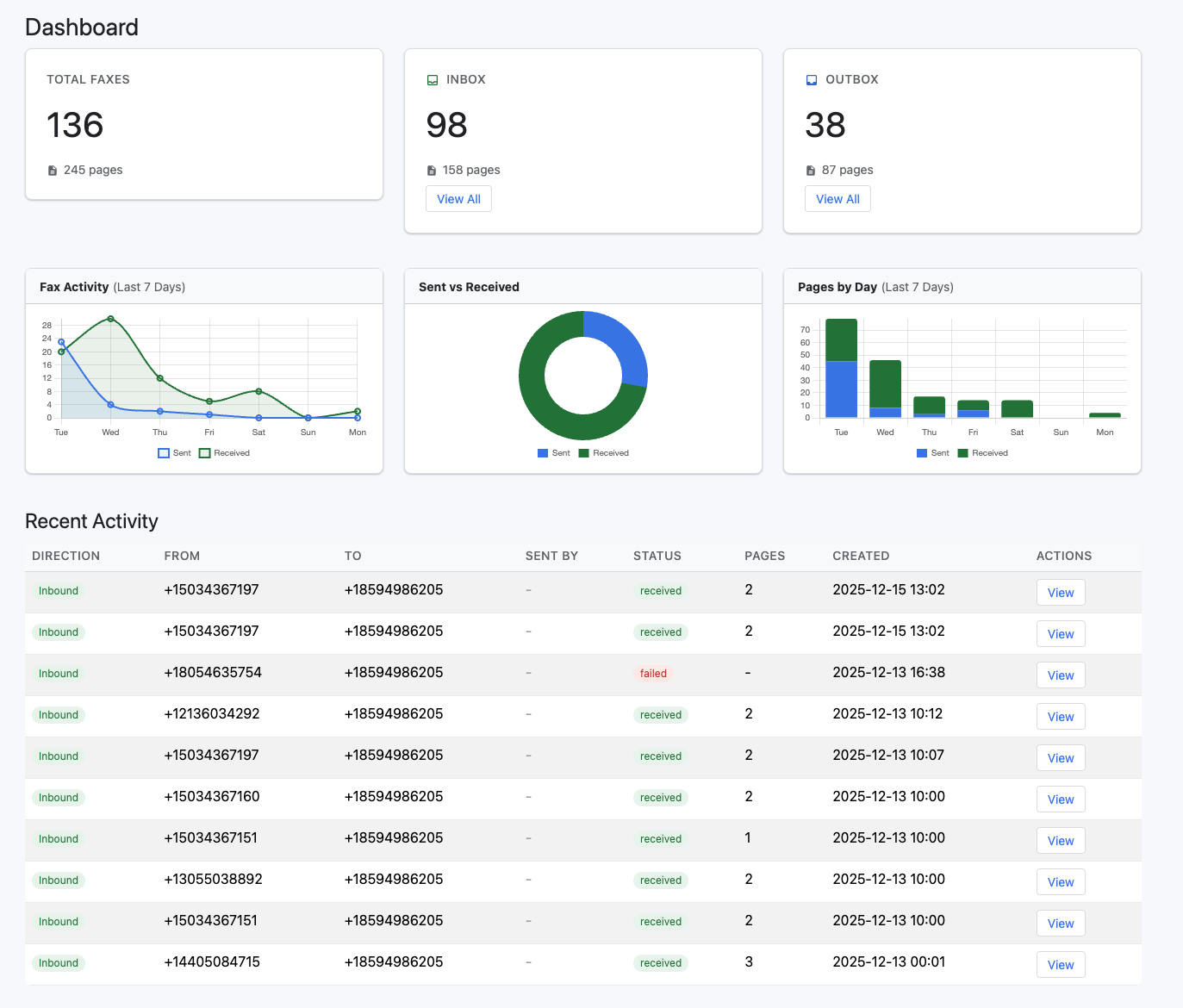
    1. eFax — Best Overall

    https://www.voipdevops.com/efax/screenshots/efax-dashboard.png
    https://is1-ssl.mzstatic.com/image/thumb/Purple211/v4/ac/c6/51/acc65153-84c3-bfd0-2147-05eaac8b2dfc/AppIcon-0-0-1x_U007epad-0-1-85-220.png/1200x630wa.png
    https://www.innoport.com/siteImages/How_Email_to_Fax_Works.png

    4

    Why it wins:

    • Dedicated fax number (you can often pick a local 610 area code)
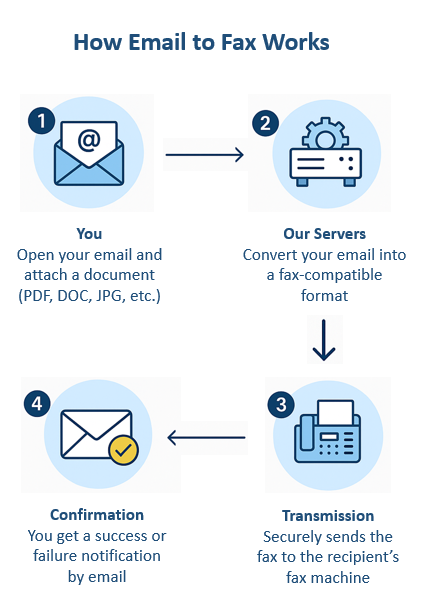
    • Send/receive via email, web, or mobile
    • Strong reliability + brand trust
    • Electronic signatures included

    Best for:

    • Solo attorneys or small firms that want a simple, proven solution

    Watch out:

    • Pricing is higher than competitors
    • Limited automation

    2. RingCentral Fax — Best for All-in-One Communication

    https://assets.ringcentral.com/content/dam/xml-assets/doc_team/en_us/ringcentral/mvp/fax/Sending-a-fax/images/DWSendFax1.png
    https://assets.ringcentral.com/content/dam/xml-assets/doc_team/en_us/ringcentral/mvp/fax/Sending-a-fax/images/FaxProfileDesktop1.png
    https://www.ringcentral.com/content/dam/rc-www/en_us/images/content/seo/unified-communications-analytics/ringcentral-analytics-dashboard-jpg-rendition.webp

    4

    Why it stands out:

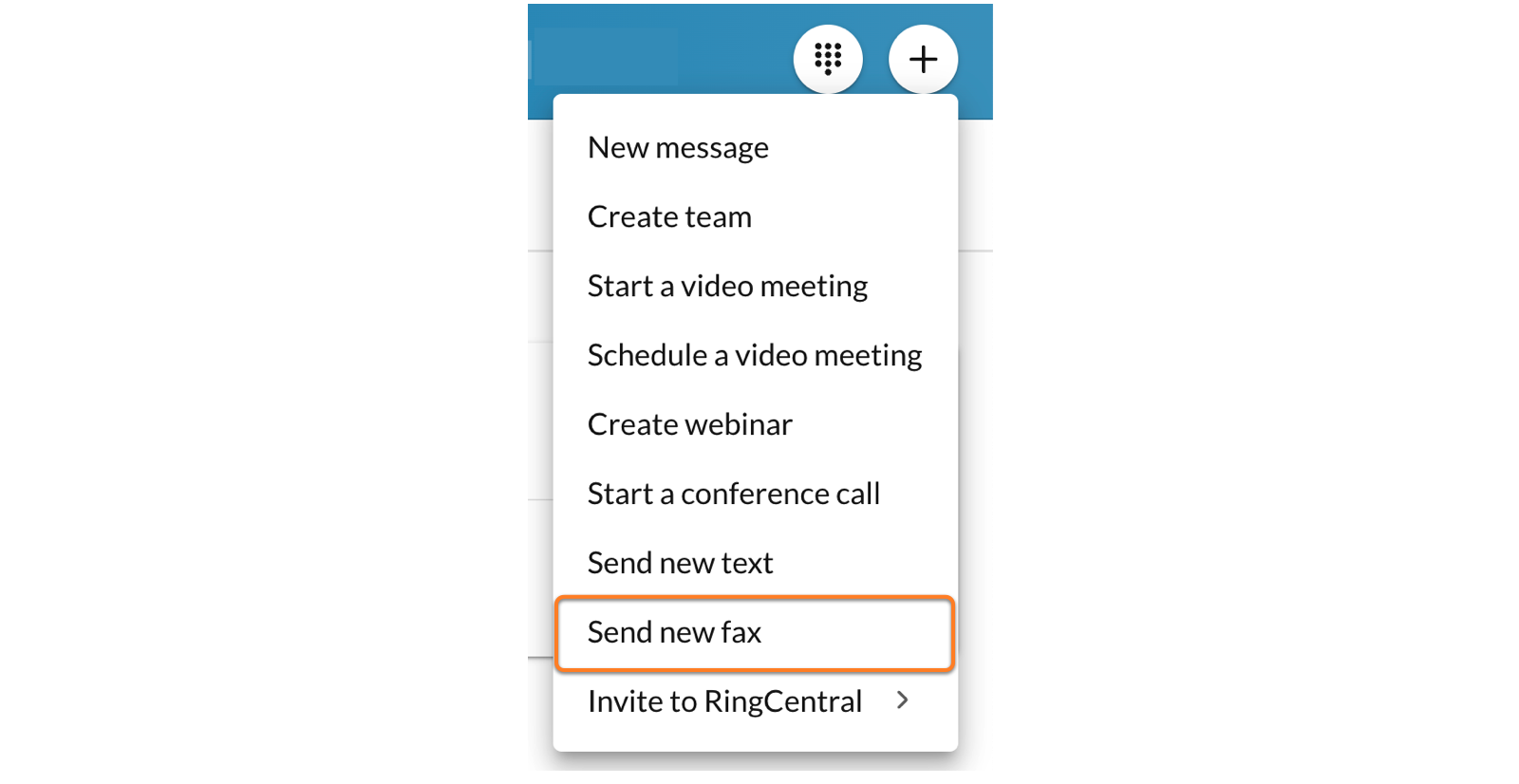
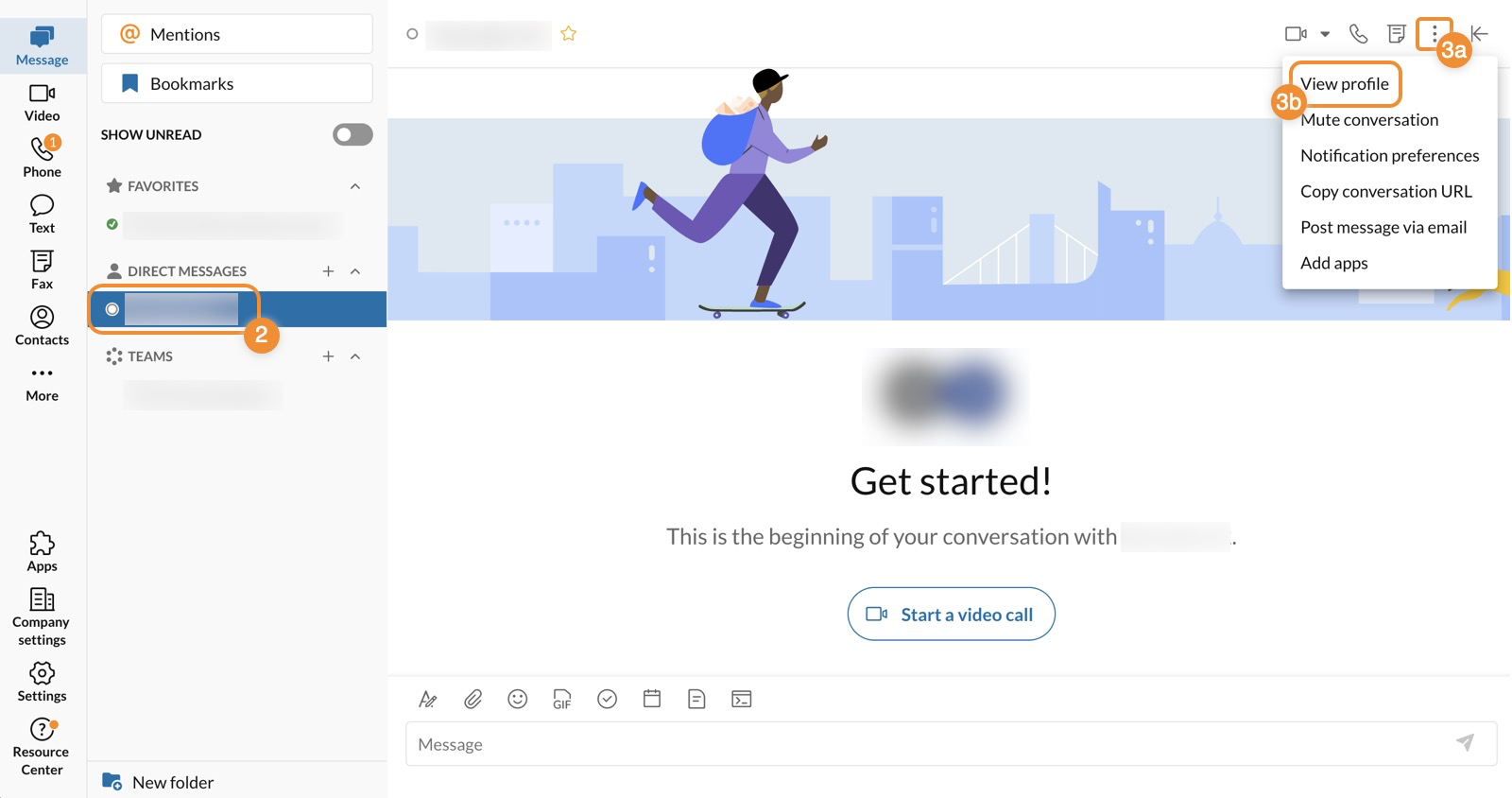
    • Combines fax + phone + SMS + video
    • Great if you’re building a modern law firm communication stack
    • Integrates with workflows and apps

    Best for:

    • Firms that want one system instead of 5 tools

    Strategic angle:
    This fits your “document intelligence + workflow” direction—fax becomes just another data input.


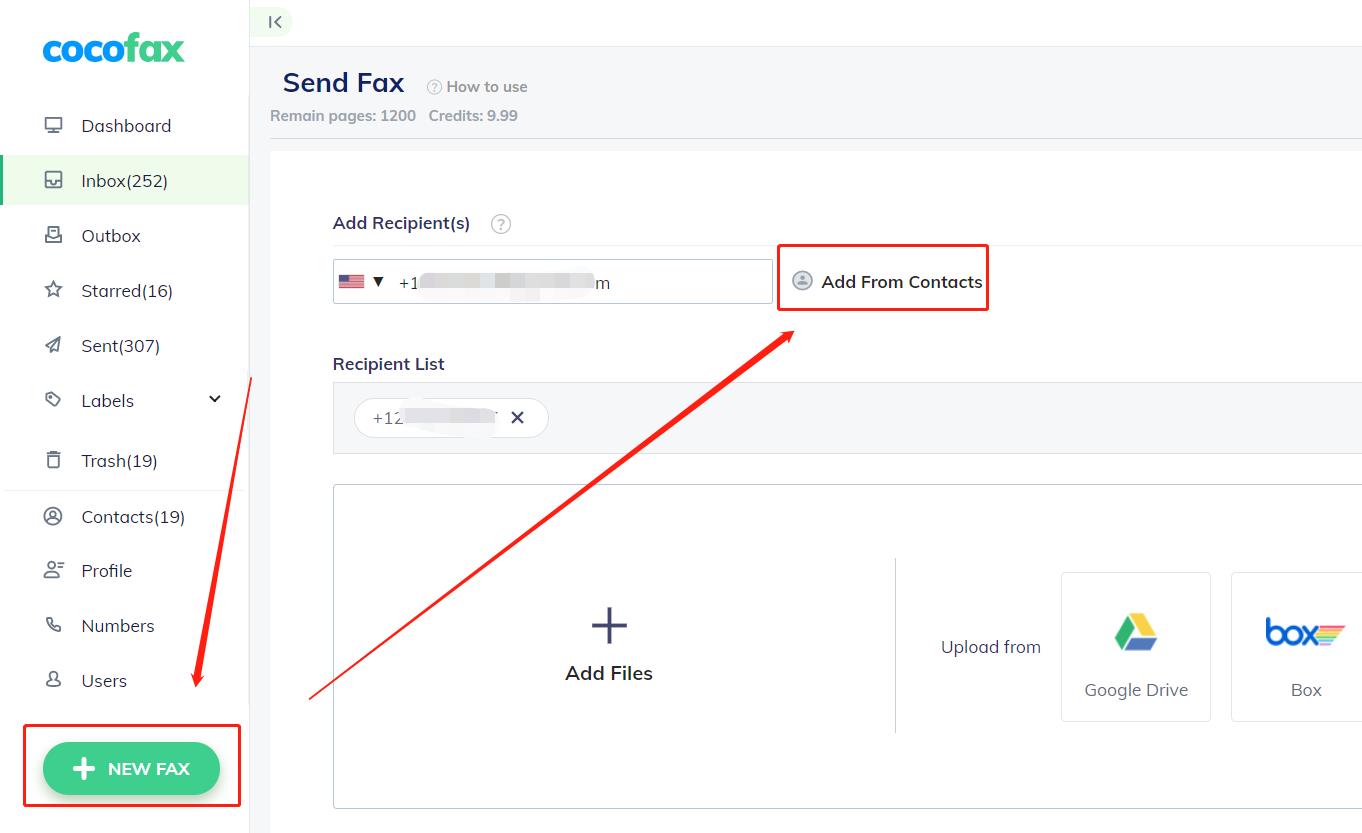
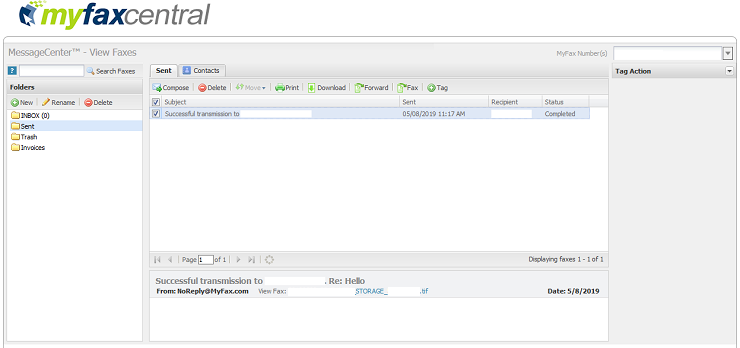
    3. MyFax — Best Budget Option

    https://cocofax.com/images/help/send_groups_1.jpg
    https://help.pointforce.com/fx/images/myfax_eg1.gif
    https://gdm-catalog-fmapi-prod.imgix.net/ProductScreenshot/ef2d2580-cb42-4e1c-9370-e511d4fe685d.png

    4

    Why it works:

    • Lower cost than eFax
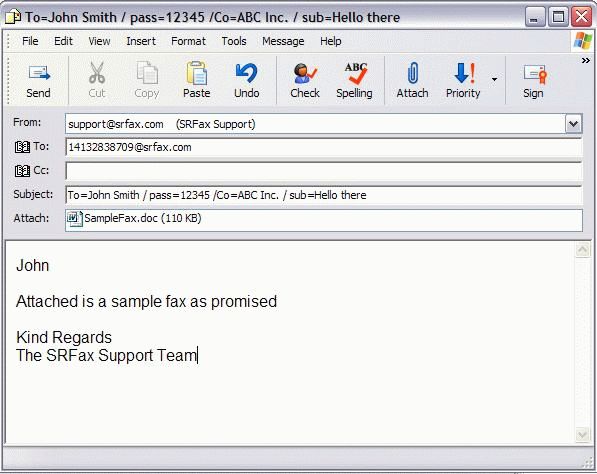
    • Easy email-to-fax setup
    • No hardware required

    Best for:

    • Cost-conscious solo firms

    Limitation:

    • Not as robust for scaling or integrations

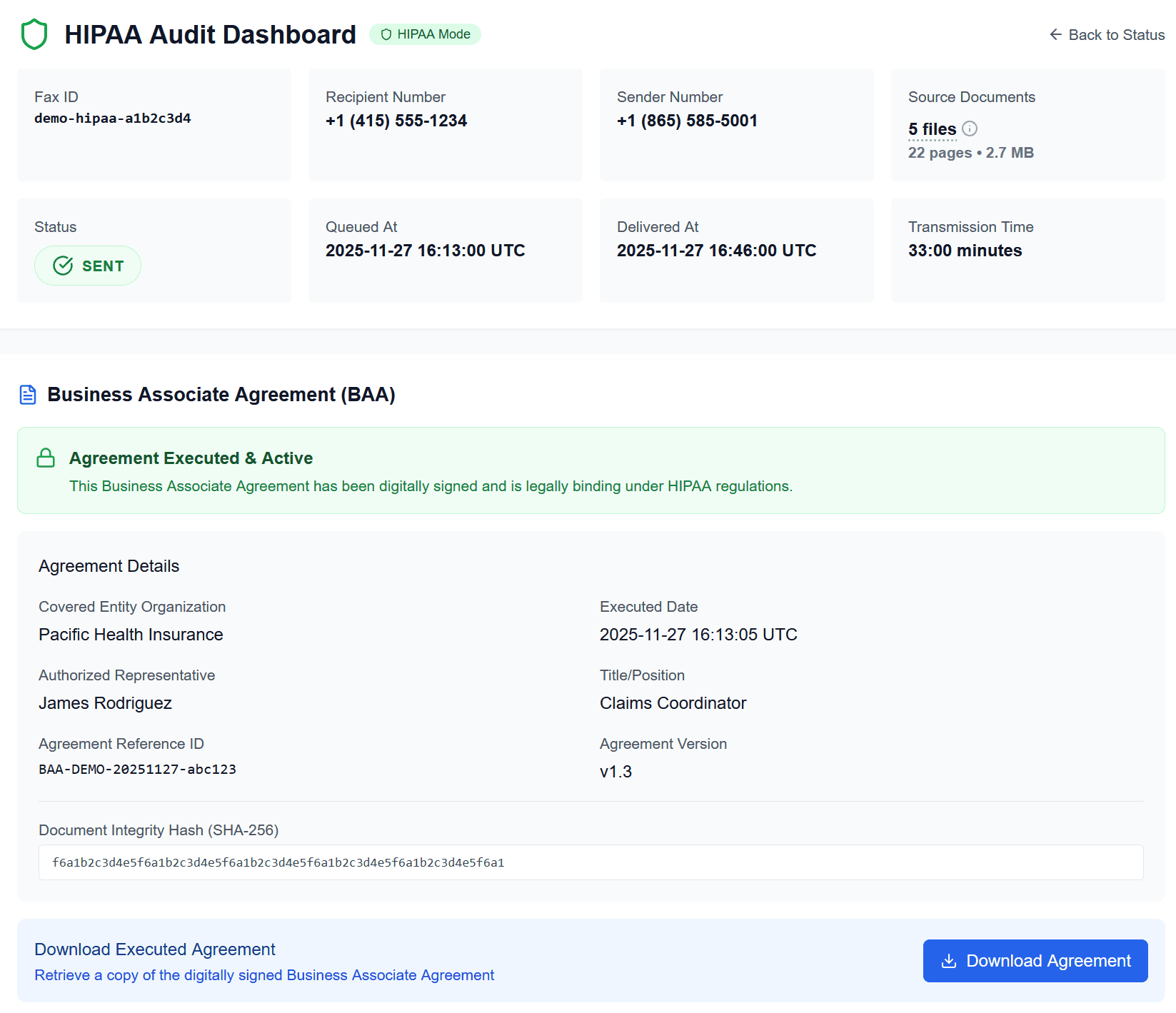
    4. SRFax — Best for HIPAA Compliance

    https://www.srfax.com/images/Email2.gif
    https://onefaxnow.com/_next/image?q=75&url=%2Fimages%2Fonefaxnow-hipaa-audit-dashboard-baa.png&w=1920
    https://s3.amazonaws.com/cdn.freshdesk.com/data/helpdesk/attachments/production/1106643599/original/gsZoHSNtKsWL0JPTtQR_kAc84eUTYIsgbg.png?1626371664=

    4

    Why it matters:

    • Built for healthcare + legal compliance
    • End-to-end encryption
    • BAA (Business Associate Agreement) available

    Best for:

    • Personal injury, medical records-heavy firms

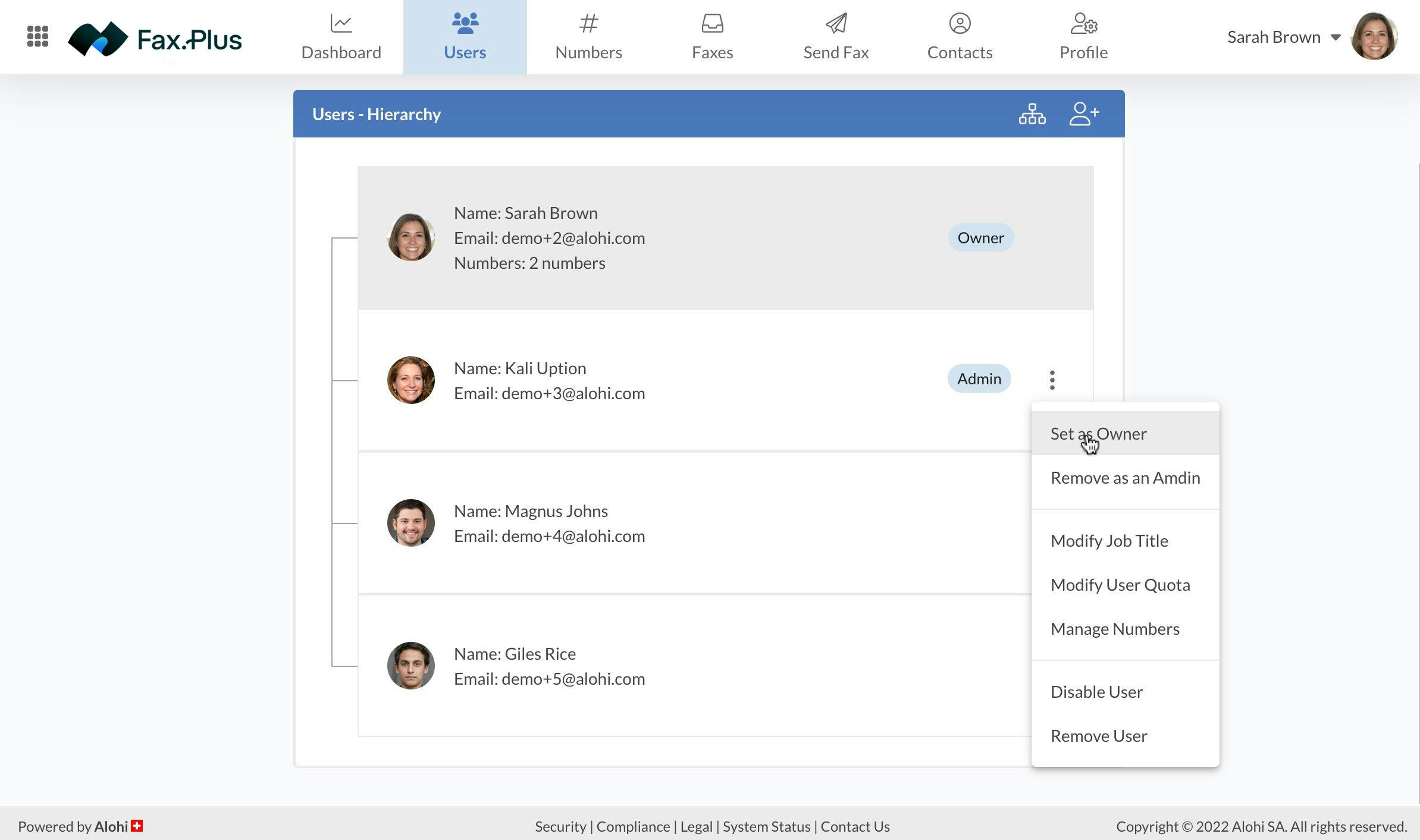
    5. Fax.Plus — Best Modern UX + API

    https://gdm-catalog-fmapi-prod.imgix.net/ProductScreenshot/f4955d2f-d4a1-4361-b348-03c770f52fb5.jpeg?auto=format&q=50
    https://help.alohi.com/hc/article_attachments/15644679415196
    https://mintcdn.com/alohi-faxplus/cC0DzEP8P19x5X1k/resources/concepts/fax.svg?auto=format&fit=max&n=cC0DzEP8P19x5X1k&q=85&s=419a11e049837f4a645ba4baef5bf3dc

    4

    Why it’s interesting:

    • Clean interface
    • Integrates with Google Drive, Slack, Zapier
    • Has API access

    Best for:

    • Firms thinking ahead about automation + AI workflows
  • The Solo Lawyer Security Stack (2026 Edition)

    Most law firms think cybersecurity is an IT issue. It is also a client-protection issue, an ethics issue, and an operations issue. This series is designed to help solo and small law firms understand the security basics that matter most in 2026.

    Use this page as the hub for the full series:

    1. Authentication & Two-Factor Authentication for Lawyers
    2. Passwords Are Dead: How Lawyers Should Manage Credentials in 2026
    3. YubiKey & Hardware Security Keys: The Gold Standard for Law Firms
    4. Phishing Attacks: How Lawyers Actually Get Hacked
    5. Securing Email for Law Firms
    6. Cloud Storage Security for Lawyers
    7. Device Security: Laptops, Phones, and Lost Devices
    8. Document Security & E-Discovery Readiness
    9. Backups & Disaster Recovery for Law Firms
    10. Building a Law Firm Security Policy

    The goal is simple: protect client information, reduce operational risk, and build a practice that is secure by default.

  • The Physical Office Stack for Solo Lawyers

    The Solo Lawyer Tech Stack Series

    Much of the conversation about legal technology focuses on software.

    Cloud platforms.
    Case management systems.
    Artificial intelligence.

    But every solo lawyer knows that the practice of law is still grounded in something more practical:

    the physical workspace.

    Even in a digital era, lawyers rely on physical tools every day. Documents are printed and reviewed. Notes are written during client meetings. Files are scanned and organized.

    The physical office stack—the equipment sitting on the desk or in the office—remains a fundamental part of the solo lawyer technology ecosystem.


    The Printer and Scanner

    Perhaps the most quietly important device in a law office is the printer/scanner.

    Despite the idea of a completely paperless practice, printing remains common in legal work.

    Lawyers regularly print documents to:

    • review drafts
    • prepare court filings
    • assemble exhibits
    • provide copies to clients

    Scanners are equally important. Many documents still arrive on paper and must be converted into digital files.

    A reliable all-in-one printer/scanner often becomes one of the most frequently used tools in the office.

    These devices are rarely glamorous pieces of technology. Many solo lawyers purchase them from everyday office suppliers like Office Depot or Staples.

    Yet over the course of a year, they may be used hundreds of times.


    Monitors and Screen Space

    Legal work involves reading and writing large amounts of text.

    Having adequate screen space can make a noticeable difference in productivity.

    Many lawyers prefer using:

    • dual monitors
    • larger displays
    • high-resolution screens

    This allows a lawyer to view multiple documents at once—for example, a contract draft on one screen and research materials on another.

    Simple ergonomic improvements can reduce eye strain and make long work sessions more comfortable.


    Laptops and Mobility

    Modern legal practice often involves mobility.

    Lawyers may work from:

    • the office
    • home
    • courtrooms
    • client locations

    A reliable laptop allows the practice to move wherever the lawyer needs to go.

    Access to cloud documents, calendars, and communication tools makes it possible to remain connected to the practice even when away from the office.

    Mobility has become an important part of many solo lawyers’ workflows.


    Backup Drives and Storage

    Even when cloud storage is used, physical backup drives can serve as an additional layer of protection.

    External drives can store copies of:

    • important documents
    • financial records
    • archived case materials

    These backups provide redundancy in case online services become unavailable or data needs to be restored.

    Protecting data is not only a digital issue. Physical storage can still play a supporting role.


    Ergonomics and Workspace Design

    Lawyers spend many hours at their desks.

    A comfortable workspace can significantly affect both productivity and long-term health.

    Elements that often matter include:

    • a supportive chair
    • an adjustable desk
    • proper keyboard and mouse placement
    • good lighting

    Small adjustments in workspace design can reduce strain and fatigue over time.

    Technology should not only support legal work—it should support the lawyer doing the work.


    The Tools That Keep the Practice Running

    The physical office stack may not receive the same attention as new software platforms or artificial intelligence tools.

    But these practical tools remain essential.

    The devices on a lawyer’s desk help transform legal thinking into tangible work product.

    A well-organized physical workspace supports the same goals as the digital technology stack:

    • efficiency
    • reliability
    • clarity

    Together, these tools allow the solo lawyer to focus on the real purpose of the profession: helping clients navigate legal problems.


    Completing the Technology Stack

    Over the course of this series, we have explored the major components of a solo lawyer’s technology stack:

    • communication systems
    • document creation and management
    • case management
    • time tracking and billing
    • accounting and trust compliance
    • cybersecurity
    • client intake
    • legal research
    • marketing and online presence
    • the physical office workspace

    Each component supports a different part of the practice.

    Together, they form the infrastructure that allows a solo lawyer to operate a professional, organized, and sustainable law office.

    Technology does not replace the lawyer’s judgment, experience, or advocacy.

    But when the right systems are in place, technology can make the practice of law more manageable—and allow the lawyer to focus on what matters most.