WV Lawyer Help

We help WV attorneys grow their caseload through smarter marketing, better tracking, and qualified client referrals.

Category: Legal Tech

  • Backups & Disaster Recovery for Law Firms

    Backups & Disaster Recovery for Law Firms

    Many firms think they have backups because files are stored somewhere else. That is not enough. A real backup strategy is about recoverability, not optimism.

    Why backups matter

    Data can be lost through deletion, ransomware, device failure, account compromise, syncing mistakes, and vendor issues. If client files become unavailable, the legal problem becomes an operational problem almost immediately.

    What lawyers should do

    • Follow the 3-2-1 principle when practical: multiple copies, multiple media, and one offline or isolated copy.
    • Back up critical systems, not just documents.
    • Test recovery procedures periodically.
    • Know which data must be restored first.
    • Document who does what during an outage.

    The most important backup question is not “Do we have one?” It is “Can we recover quickly and confidently when something goes wrong?”
  • Best Fax Systems for Small Law Firms (2026)

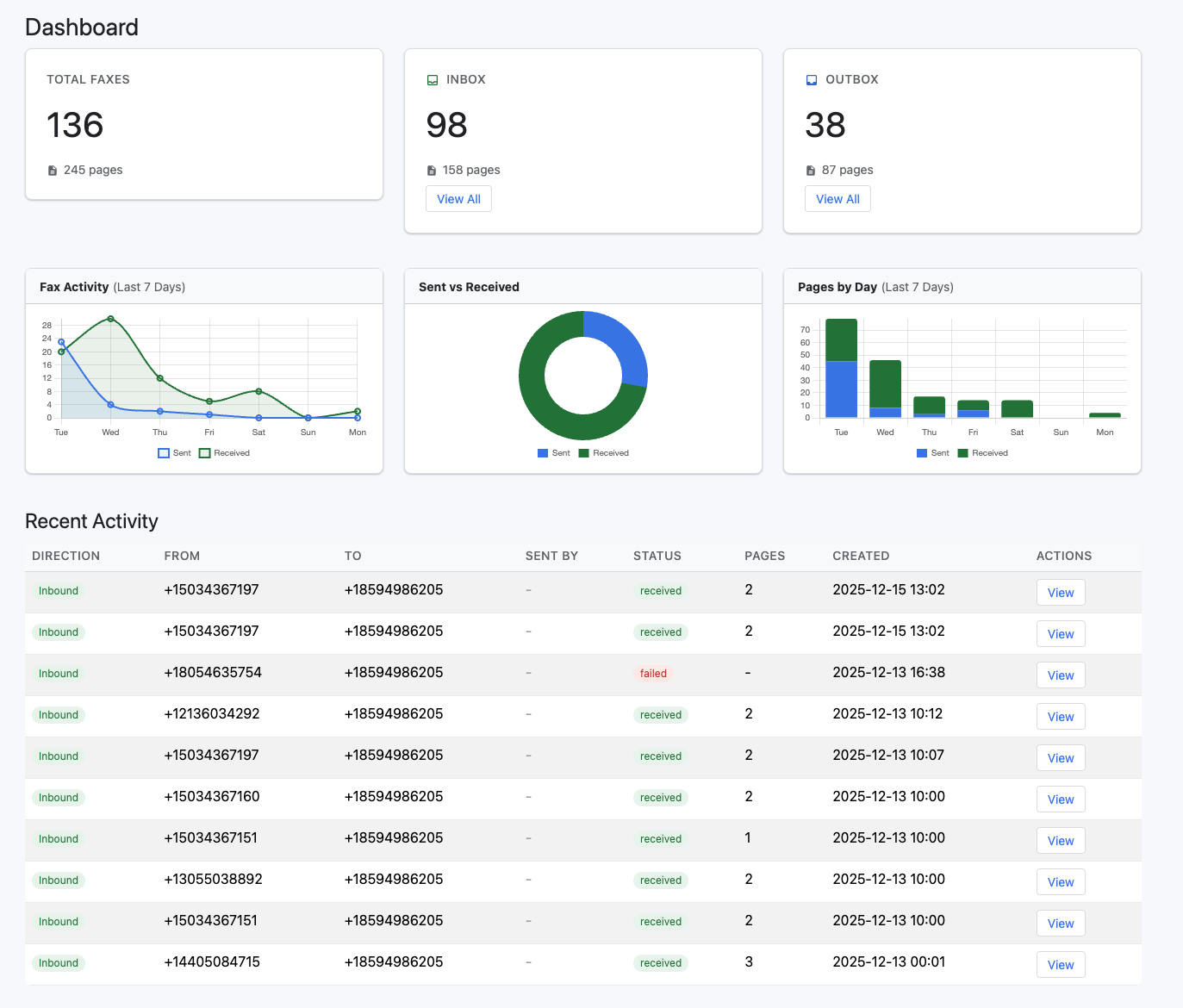
    1. eFax — Best Overall

    https://www.voipdevops.com/efax/screenshots/efax-dashboard.png
    https://is1-ssl.mzstatic.com/image/thumb/Purple211/v4/ac/c6/51/acc65153-84c3-bfd0-2147-05eaac8b2dfc/AppIcon-0-0-1x_U007epad-0-1-85-220.png/1200x630wa.png
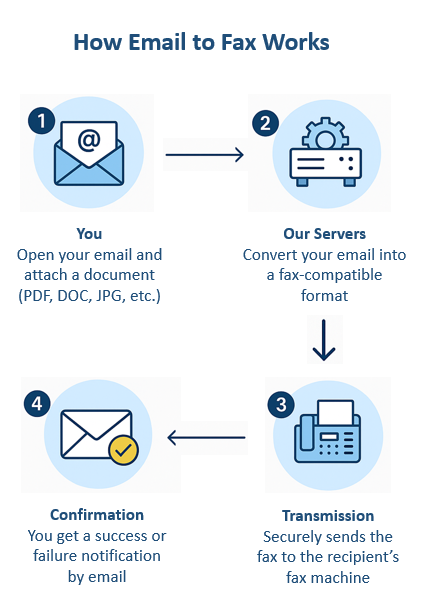
    https://www.innoport.com/siteImages/How_Email_to_Fax_Works.png

    4

    Why it wins:

    • Dedicated fax number (you can often pick a local 610 area code)
    • Send/receive via email, web, or mobile
    • Strong reliability + brand trust
    • Electronic signatures included

    Best for:

    • Solo attorneys or small firms that want a simple, proven solution

    Watch out:

    • Pricing is higher than competitors
    • Limited automation

    2. RingCentral Fax — Best for All-in-One Communication

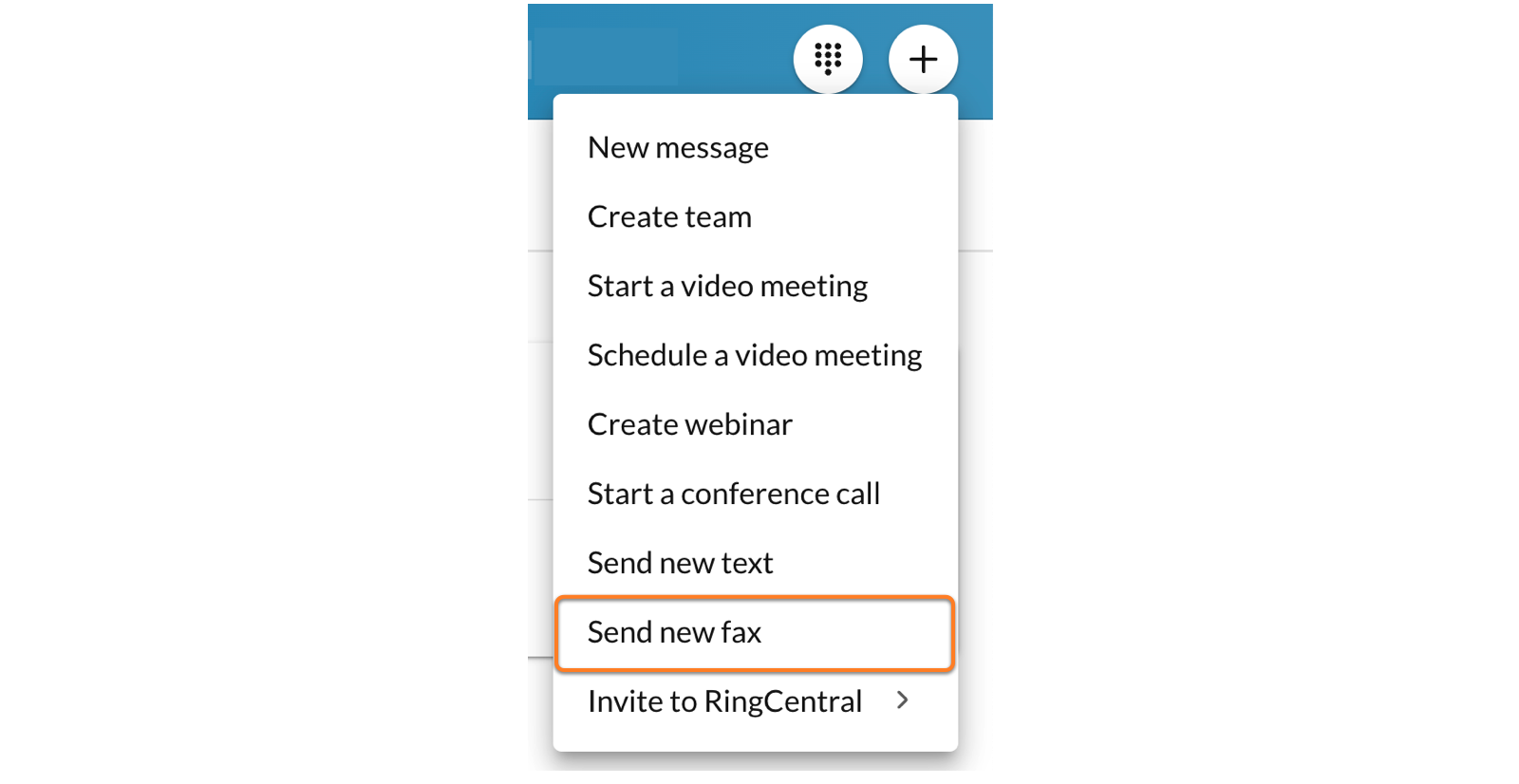
    https://assets.ringcentral.com/content/dam/xml-assets/doc_team/en_us/ringcentral/mvp/fax/Sending-a-fax/images/DWSendFax1.png
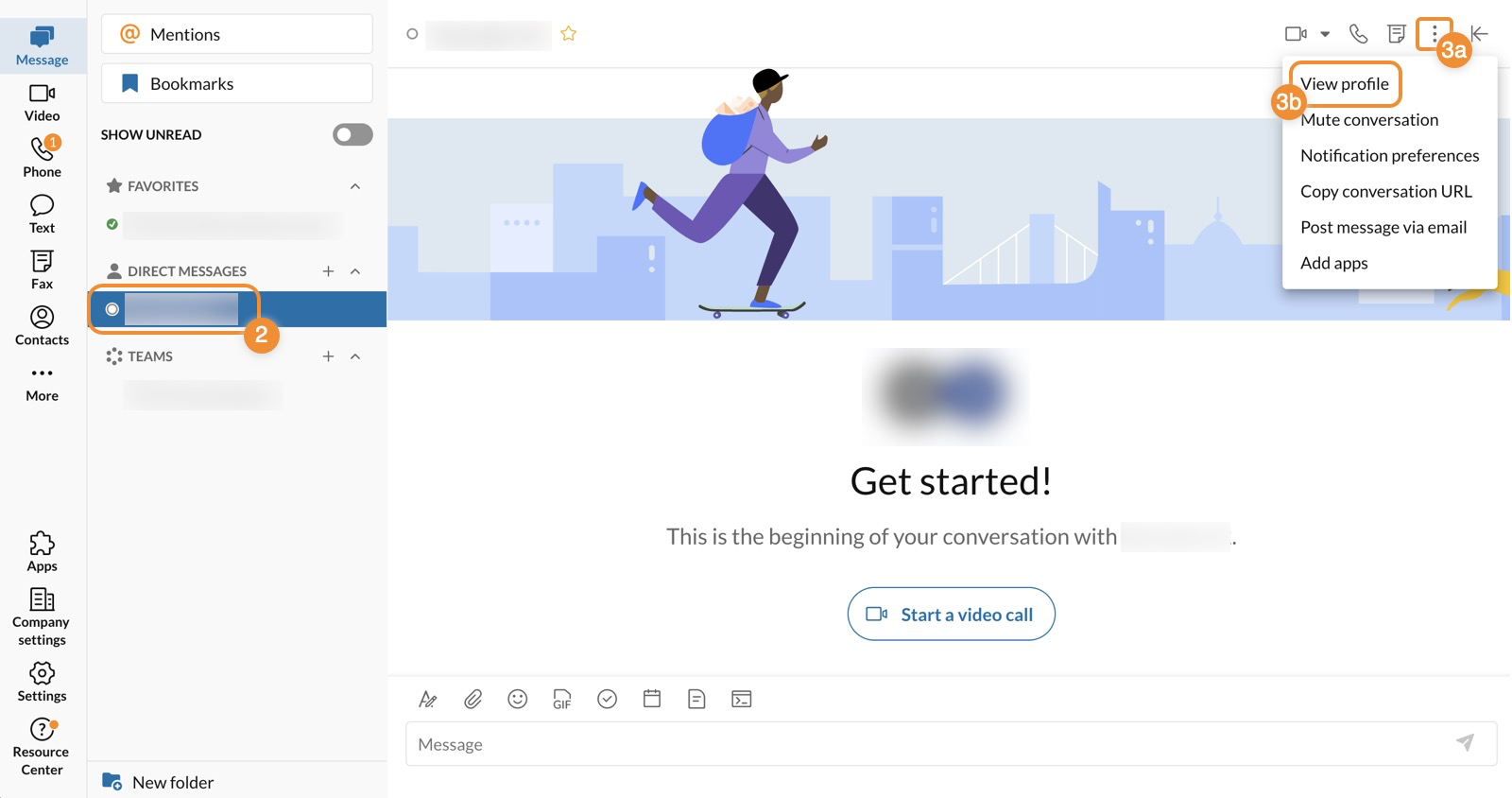
    https://assets.ringcentral.com/content/dam/xml-assets/doc_team/en_us/ringcentral/mvp/fax/Sending-a-fax/images/FaxProfileDesktop1.png
    https://www.ringcentral.com/content/dam/rc-www/en_us/images/content/seo/unified-communications-analytics/ringcentral-analytics-dashboard-jpg-rendition.webp

    4

    Why it stands out:

    • Combines fax + phone + SMS + video
    • Great if you’re building a modern law firm communication stack
    • Integrates with workflows and apps

    Best for:

    • Firms that want one system instead of 5 tools

    Strategic angle:
    This fits your “document intelligence + workflow” direction—fax becomes just another data input.


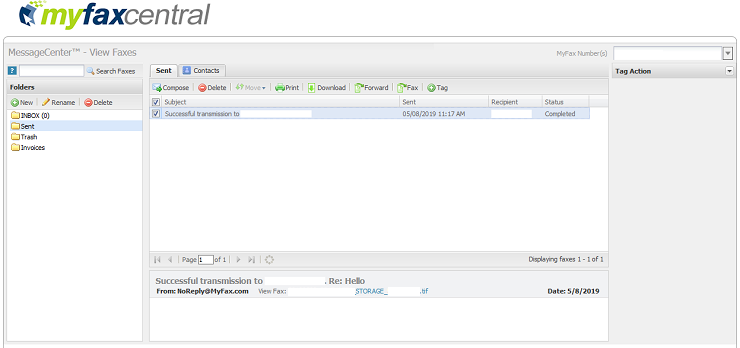
    3. MyFax — Best Budget Option

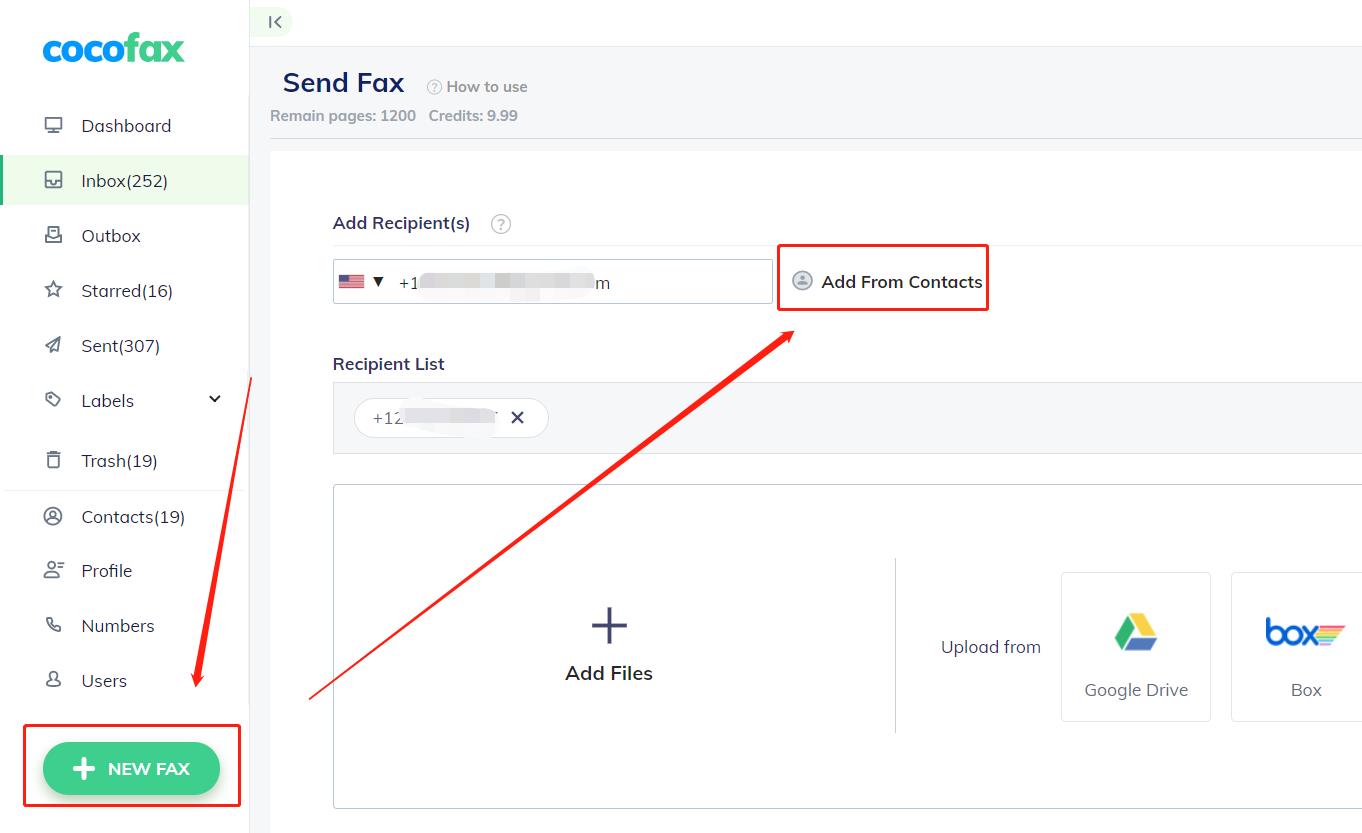
    https://cocofax.com/images/help/send_groups_1.jpg
    https://help.pointforce.com/fx/images/myfax_eg1.gif
    https://gdm-catalog-fmapi-prod.imgix.net/ProductScreenshot/ef2d2580-cb42-4e1c-9370-e511d4fe685d.png

    4

    Why it works:

    • Lower cost than eFax
    • Easy email-to-fax setup
    • No hardware required

    Best for:

    • Cost-conscious solo firms

    Limitation:

    • Not as robust for scaling or integrations

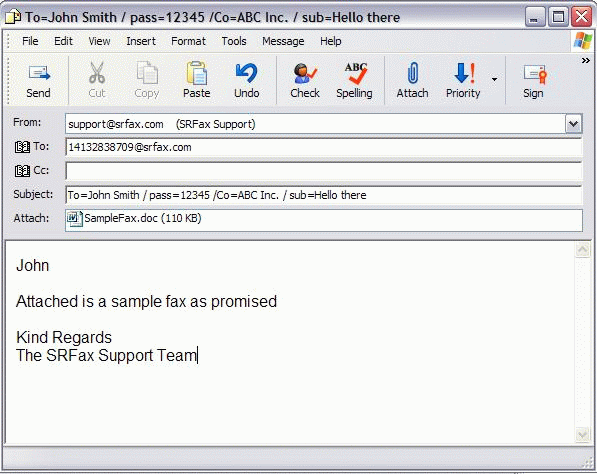
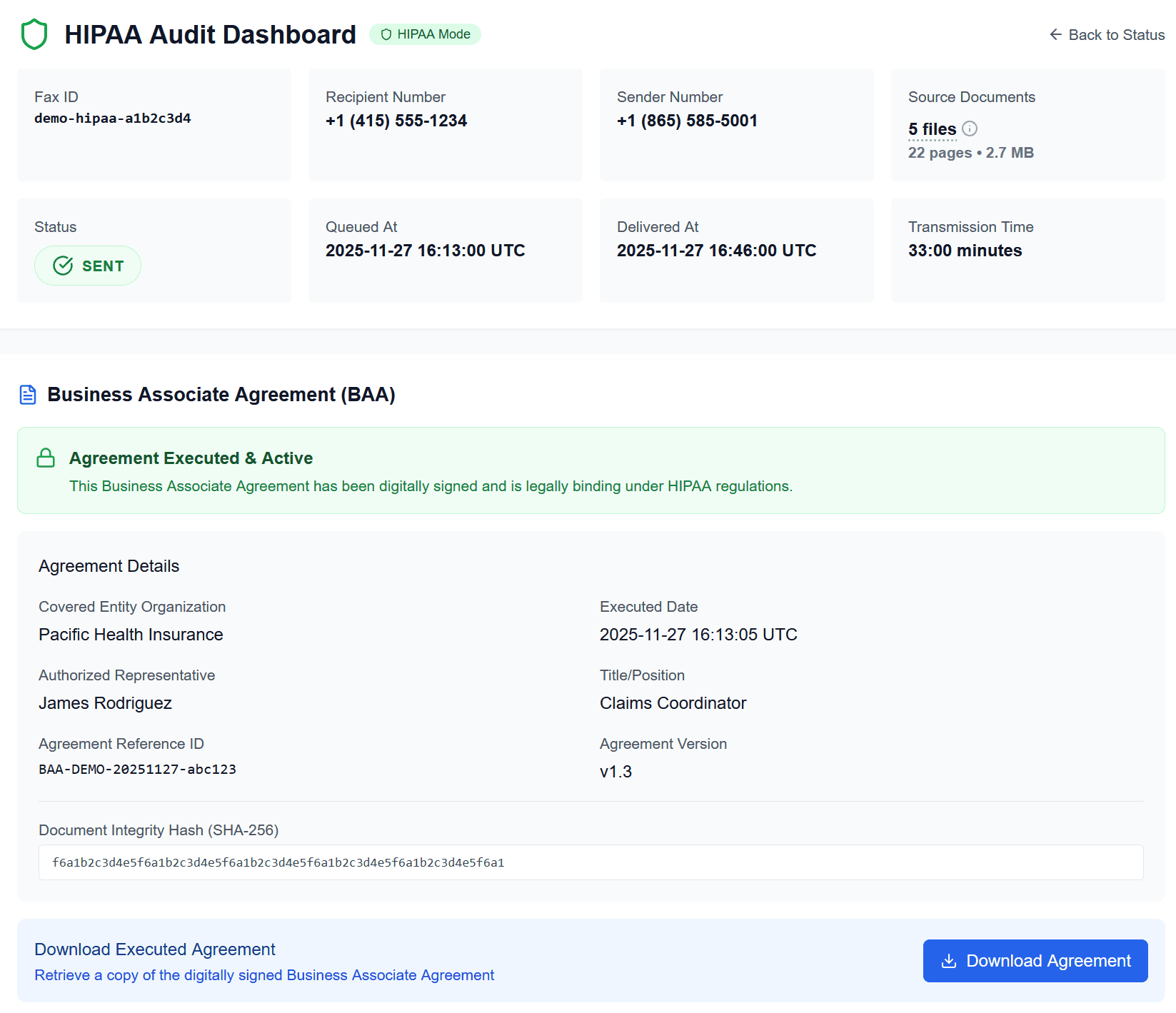
    4. SRFax — Best for HIPAA Compliance

    https://www.srfax.com/images/Email2.gif
    https://onefaxnow.com/_next/image?q=75&url=%2Fimages%2Fonefaxnow-hipaa-audit-dashboard-baa.png&w=1920
    https://s3.amazonaws.com/cdn.freshdesk.com/data/helpdesk/attachments/production/1106643599/original/gsZoHSNtKsWL0JPTtQR_kAc84eUTYIsgbg.png?1626371664=

    4

    Why it matters:

    • Built for healthcare + legal compliance
    • End-to-end encryption
    • BAA (Business Associate Agreement) available

    Best for:

    • Personal injury, medical records-heavy firms

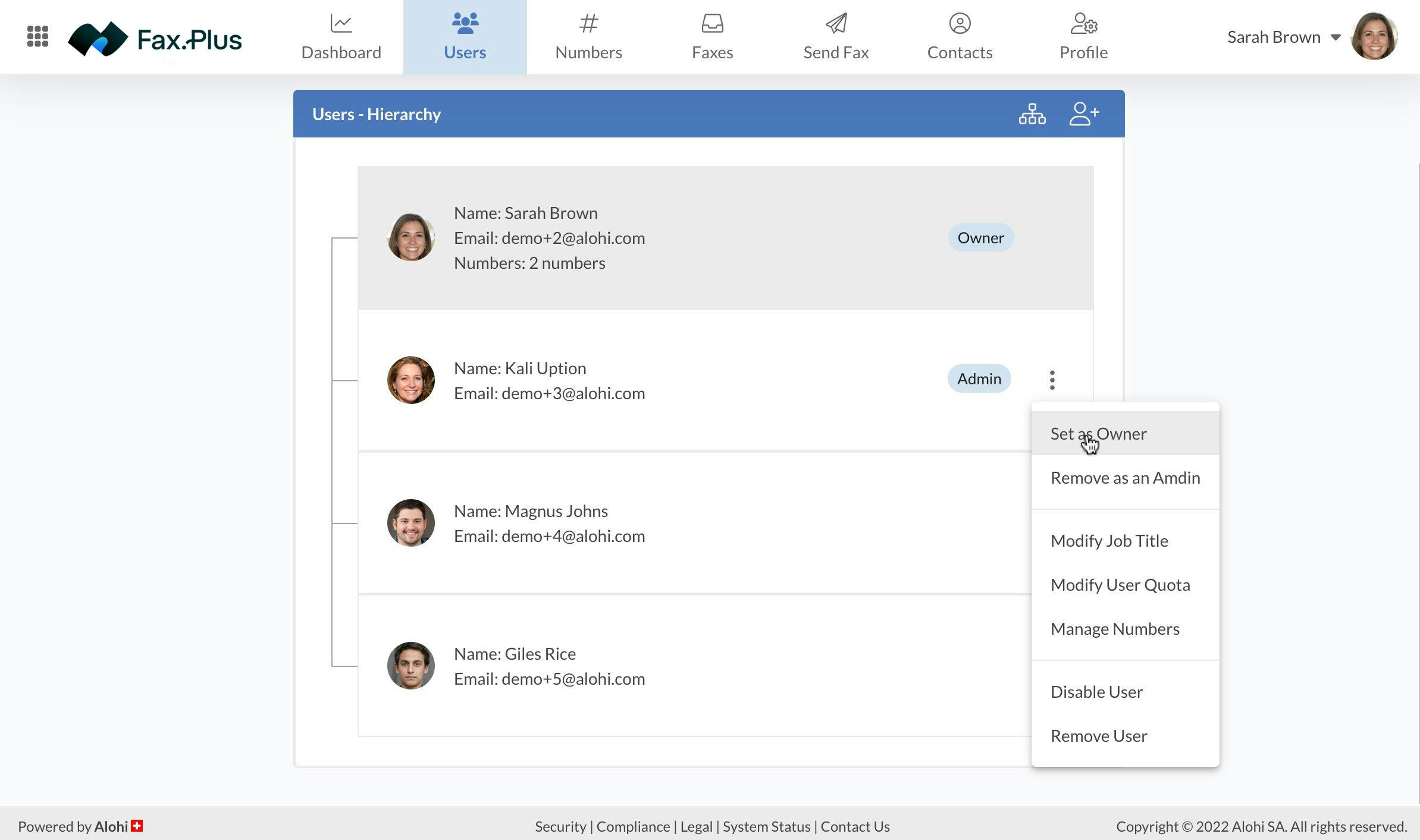
    5. Fax.Plus — Best Modern UX + API

    https://gdm-catalog-fmapi-prod.imgix.net/ProductScreenshot/f4955d2f-d4a1-4361-b348-03c770f52fb5.jpeg?auto=format&q=50
    https://help.alohi.com/hc/article_attachments/15644679415196
    https://mintcdn.com/alohi-faxplus/cC0DzEP8P19x5X1k/resources/concepts/fax.svg?auto=format&fit=max&n=cC0DzEP8P19x5X1k&q=85&s=419a11e049837f4a645ba4baef5bf3dc

    4

    Why it’s interesting:

    • Clean interface
    • Integrates with Google Drive, Slack, Zapier
    • Has API access

    Best for:

    • Firms thinking ahead about automation + AI workflows
  • Document Security & E-Discovery Readiness

    Document Security & E-Discovery Readiness

    Law firms do not merely store documents. They manage records that may later become evidence, discovery material, audit material, or the basis for a dispute. Good document security is about confidentiality today and defensibility tomorrow.

    Why document controls matter

    Documents often contain metadata, revision history, comments, hidden text, or embedded information that users forget exists. Poor redaction and careless sharing can expose more than the visible page suggests.

    What firms should do

    • Use clear file naming conventions.
    • Store final and working versions intentionally.
    • Use proper redaction tools, not visual cover-ups.
    • Control who can access, edit, and export documents.
    • Plan for searchability, retention, and future review.

    A secure document system should help a firm answer three questions: who touched this, where is it, and what version are we looking at?

  • Device Security: Laptops, Phones, and Lost Devices

    Device Security: Laptops, Phones, and Lost Devices

    A lawyer’s practice does not stay in the office. It travels in laptops, phones, tablets, and portable drives. That means device security is really data security.

    What law firms should assume

    Devices will eventually be lost, stolen, damaged, or left unattended. Security planning should assume that this will happen and should focus on reducing the consequences.

    Core controls

    • Turn on full-disk encryption.
    • Require strong screen locks.
    • Enable remote wipe where available.
    • Keep operating systems and apps updated.
    • Separate business and personal device use where practical.

    The right mindset is simple: if a device disappears today, what protects the client information that was on it yesterday?

  • Cloud Storage Security for Lawyers

    Cloud Storage Security for Lawyers

    Cloud storage can be a major upgrade over unmanaged local files, but only if it is used with discipline. The phrase “it’s in the cloud” does not automatically mean secure.

    What goes wrong

    Many cloud risks come from loose sharing permissions, excessive access, unmanaged personal devices, and public or semi-public links that remain active longer than anyone realizes.

    What lawyers should focus on

    • Use least-privilege access: give users only what they need.
    • Review external sharing regularly.
    • Prefer named-user access over anonymous links when possible.
    • Separate personal and business storage.
    • Use 2FA for all storage accounts.

    Cloud storage is not inherently reckless or inherently safe. It becomes safe through governance, permissions discipline, and reliable authentication.